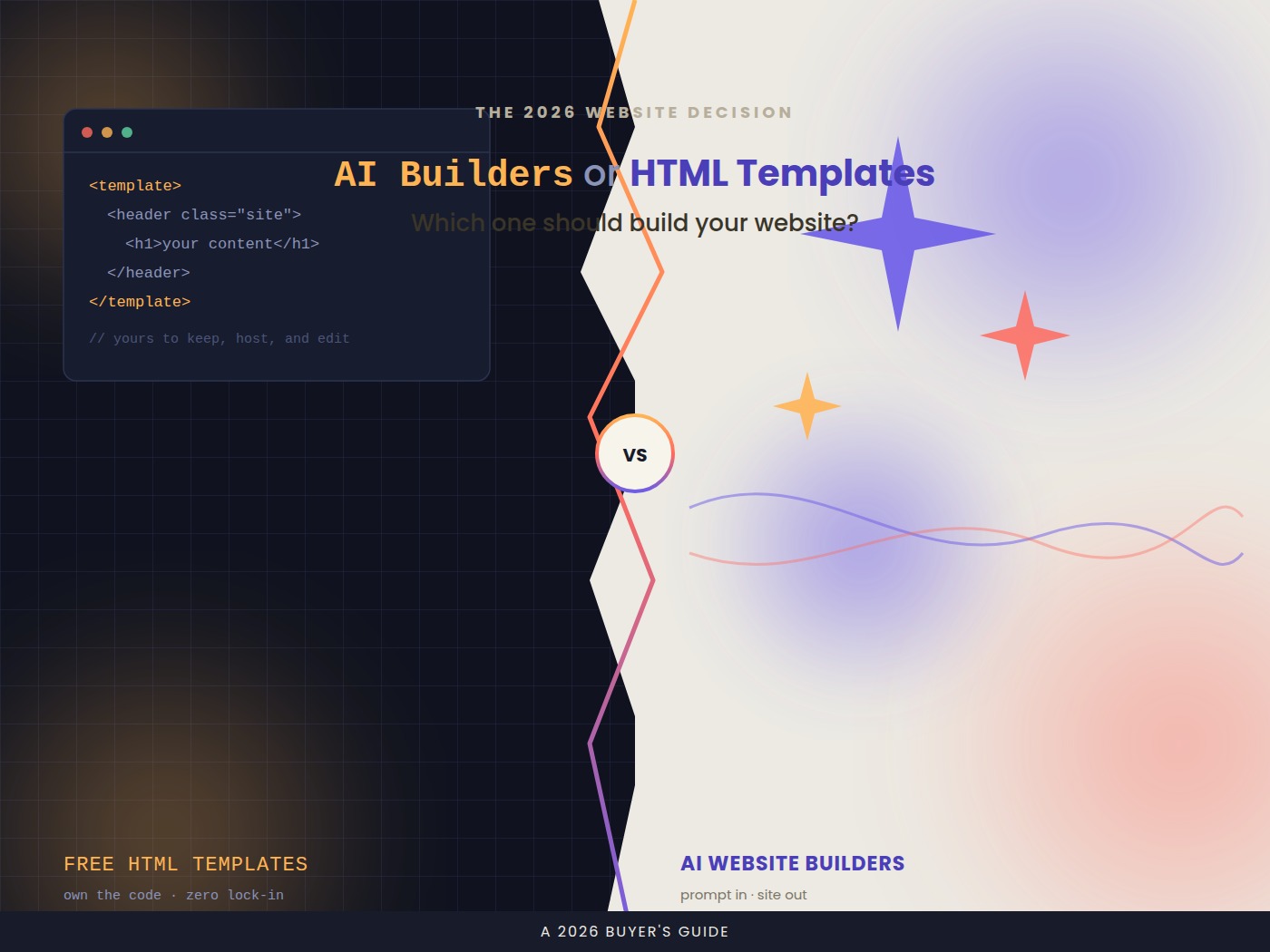
If you need a website and you’re not a developer, you’ve basically got two paths in front of you right now. You can type a description into an AI website builder and watch it spit out a working site in minutes. Or you can grab a free HTML template, drop in your own content, and host it yourself.
Both routes can get you to a live website today. But they solve different problems, and picking the wrong one can cost you weeks of frustration later. Here’s how to think about it.
The Quick Answer
- Pick an AI website builder if you want speed, don’t know how to code, and are fine with an ongoing subscription or platform lock-in.
- Pick a free HTML template if you want full ownership of your code, you’re comfortable editing HTML/CSS (or willing to learn), and you want zero recurring cost.
Now let’s get into why.

What “AI Website Builder” Actually Means in 2026
AI website builders have moved well past the “drag a box, resize it” era. Today’s tools generate an entire site — layout, copy, images, even basic SEO metadata — from a text prompt or a short questionnaire about your business. Many now let you keep chatting with the builder to make changes: “make the hero section darker,” “add a pricing table,” “rewrite this section to sound more casual.”
Well-known options in this category include Wix, Framer, Squarespace, and 10Web, alongside a newer wave of code-exporting, prompt-first tools. If you want a broader sense of the landscape before picking one, a recent round-up of AI website builders is a useful starting point.
Strengths:
- Speed. A usable site in under 30 minutes is realistic for simple use cases like a portfolio, small business landing page, or event page.
- No coding required. Everything from responsive design to basic accessibility is often handled automatically.
- Built-in hosting, forms, and analytics. Most bundle hosting, contact forms, and basic traffic stats, so you’re not stitching together five different tools.
- Content generation. Struggling with what to actually write on your homepage? The AI will draft it for you, which is genuinely useful if writing isn’t your thing.
Trade-offs:
- Recurring cost. Free tiers usually come with the platform’s branding, limited pages, or no custom domain. A real business site typically means a monthly or annual subscription.
- Platform lock-in. Your site often lives entirely inside that builder’s ecosystem. Migrating away later can mean rebuilding from scratch rather than just moving files.
- Generic output at the edges. AI-generated layouts are improving fast, but sites built from similar prompts can still end up looking structurally similar to each other, especially in image choice and section ordering.
- Less control over the code. If you ever need a very specific interaction, integration, or performance tweak, you may hit a wall the builder wasn’t designed to handle.
What “Free HTML Template” Actually Means in 2026
A free HTML template is a pre-built set of HTML, CSS, and sometimes JavaScript files that a designer or developer has released for public use. You download it, open it in a code editor, swap out the placeholder text and images for your own, and upload the finished files to a host.
Good places to browse free templates include HTML5 UP, TemplatesJungle, BootstrapMade, and directories like freshDesignweb’s roundup of free HTML5 templates. If you’re new to editing HTML and CSS yourself, MDN’s beginner web docs and freeCodeCamp are solid, free places to pick up just enough to feel confident making changes.
Strengths:
- Full ownership. The code is yours. You can host it anywhere, move it anywhere, and modify anything.
- No recurring platform fees. You might still pay for hosting and a domain, but you’re not paying a builder subscription just to keep your site online.
- Genuine customization ceiling. Because you have the raw code, there’s no feature you can’t eventually add — you’re limited by your own skills (or your willingness to use AI coding help), not by a platform’s toolset.
- Lightweight and fast. A well-built static HTML site can be extremely fast to load, since there’s no builder platform’s runtime overhead — worth checking with a free tool like PageSpeed Insights once your site is live, whichever route you take.
Trade-offs:
- You need at least basic HTML/CSS comfort. Even simple edits — changing a headline, swapping a color — require opening a file and knowing where to look. That said, this is a much smaller barrier in 2026 than it used to be, since AI coding assistants can now walk a beginner through most edits.
- No built-in hosting or forms. You’ll need to separately handle hosting, a domain, and probably a third-party service for contact forms.
- Template quality varies wildly. Free templates range from genuinely polished to outdated and poorly coded. You’ll need to vet what you download.
- You’re responsible for updates. Security patches, browser compatibility, accessibility fixes — all on you (or whoever you hire).
The Real Deciding Factor: What Happens After Launch
Most comparisons stop at “how fast can I get a site live,” but the more important question is what happens six months later when you want to change something.
With an AI builder, changes are usually a conversation: describe what you want, and the tool updates it. That’s a genuinely good experience for non-technical users making ongoing tweaks.
With an HTML template, changes mean opening the code. If you’re not comfortable there, this can feel like a wall — but it’s worth noting that AI coding tools have made this far more approachable than it was even two or three years ago. A person with zero coding background can often describe a change to an AI coding assistant and get a working code edit back, closing a lot of the gap that used to exist between the two options.
A Simple Framework for Choosing

Ask yourself these questions:
- Do I ever want to move my site to a different host or platform? If yes, lean template — you avoid lock-in entirely.
- Am I building something with unusual, specific functionality (a custom booking flow, an odd interactive feature, a non-standard layout)? If yes, lean template, since you won’t be boxed in by what the builder supports.
- Do I want to be done today and never think about code? If yes, lean AI builder.
- Is budget the primary constraint, and I’m willing to spend a couple hours learning? If yes, lean template — a domain and basic hosting can cost very little, and the “free” in free HTML template is real.
- Do I want ongoing support, hosting, and updates handled for me? If yes, lean AI builder — you’re paying for that convenience, and it’s a legitimate reason to pay.
Can You Combine the Two?
Yes, and this is increasingly common in 2026. A practical middle path: start with a free HTML template as your structural foundation, then use an AI coding assistant to help you customize it, fix issues, and add features — without needing to become a developer yourself. You get the ownership and cost benefits of a static template with much of the speed and low-barrier experience that makes AI builders appealing.
Bottom Line
Neither option is objectively “better” — they’re built for different priorities. AI website builders optimize for speed and hand-holding, at the cost of ownership and flexibility. Free HTML templates optimize for ownership and long-term flexibility, at the cost of requiring a bit more hands-on effort up front.
If you’re launching something simple and want it live today with minimal fuss, an AI builder is probably the right call. If you’re building something you plan to grow, customize heavily, or want full control over for years, a free HTML template — especially paired with AI coding help for the parts you get stuck on — is likely to serve you better in the long run.